
GoldenRoo App Australia: Mobile Website and Home Screen Icon
If you want to be able to use Goldenroo on the go, a mobile browser version is avaiable at the moment. The Goldenroo app is currently being in development, so in the meantime, you can either use the mobile browser website, or use the PWA version. Both versions work the same on Android and iOS devices, and are free to get on your device. You will be able to sign up or log in, make deposits and withdrawals, use bonuses and play games.
| Native App | In development |
| Android APK | No |
| App Store | No |
| Mobile Website | goldenroo.com |
| Home Screen Icon | Yes |
| Android | Android 9 or higher |
| iPhone | iOS 12 or higher |
| Mobile Account Access | Yes |
Does GoldenRoo Have a Mobile App?
The Goldenroo mobile app is not yet available for Android nor for iOS. As an alternative, you can use the mobile browser version just by opening the website in your browser like Safari or Chrome. The website will adapt to the portable version, and all of the required buttons, like registration, games, and bonuses, will be clearly visible.
GoldenRoo on Android
You can use Goldenroo mobile casino on Android with the browser integrated to your device. Just open the browser, then visit the website, and you’re good to go. All of the games and overall functionality are nicely adapted for all screen sizes, so you will feel very comfortable using this version. You won’t need to create a new account either, as you can just use the one you already have.
GoldenRoo on iPhone and iPad
To use Goldenroo on iPhones or iPads, you can use Safari, and it will do the job as needed. The interface is nicely adapted for all Apple devices, and the pages will load quite quickly thanks to low sizes of the website files. You can also add the website to your Home Screen to get a shortcut and open the site in one tap.
GoldenRoo Responsive Mobile Website
Goldenroo adapts to any mobile device with ease. All of the buttons and overall elements of the site are scaled nicely, and nothing gets put off-screen. The site also doesn’t require much traffic if you use mobile internet, and works even faster with Wi-Fi.
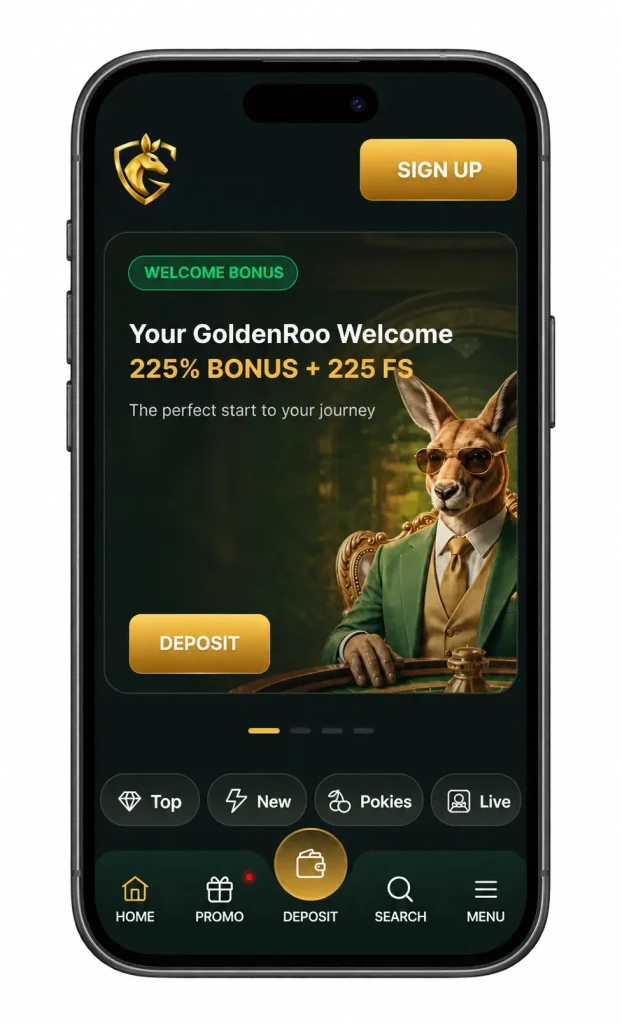
Mobile Interface and Navigation
The mobile interface slightly differs from the desktop version. The placement of registration and login buttons remains the same, whereas the rest gets put to the bottom of the screen for better comfort. In terms of gameplay, the buttons of the games don’t change.
Mobile Compatibility
Goldenroo works really well on both Android and iOS devices alike. The same goes for smartphones and tablets. Just open your favorite web browser, like Chrome, Safari, or any other. The site is nicely adapted for both a portrait mode and landscape mode. To have better time using the site, make sure that you always have a good internet connection.
Functions Available on Mobile
The functionality of the mobile version of Goldenroo does not differ from the desktop version. By using it, you will have no problem signing up or logging in to your account, making deposits and withdrawals, activating and wagering bonuses, as well as playing casino games in regular and live mode. Also, you will be able to use the mobile version to complete the verification and enter the account details in your personal cabinet.
How to Add GoldenRoo to the Home Screen
Instead of opening the mobile browser each time you want to use Goldenroo on the go, you can add it to your home screen instead. It works like a shortcut, meaning it will appear on your home screen and you will just need to tap on it once to open the site. You open the site, then open the menu and press “Add to Home Screen”, then the Goldenroo icon will appear and be usable.
Add GoldenRoo to the Android Home Screen
To add Goldenroo to your Android home screen, please follow the next steps:
- Visit Golden Roo in the browser of your Android device.
- Open the browser menu.
- Find “Add to Home Screen” and tap on it.
- Check the name of the app.
- Confirm adding the app.
- Open Golden Roo with a created icon.
Add GoldenRoo to the iPhone Home Screen
Adding Golden Roo to the home screen is also possible with Apple devices. For that, you will have to do the following:
- Go to Golden Roo with a browser like Safari.
- Press the Share button on the bottom of the browser.
- Tap “Add to Home Screen”.
- Confirm the app name.
- Confirm adding the app.
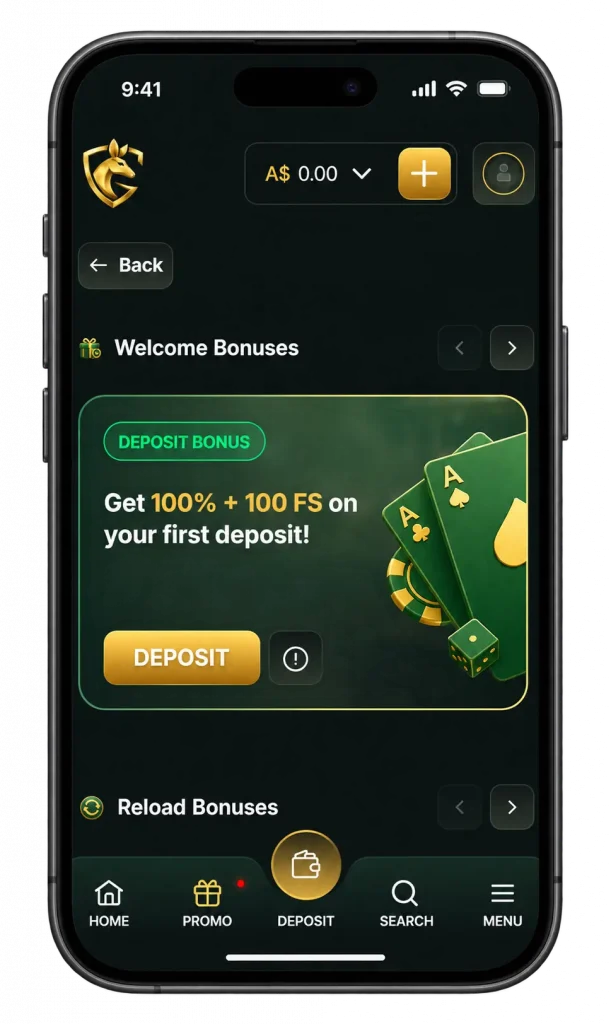
GoldenRoo Mobile Website Security
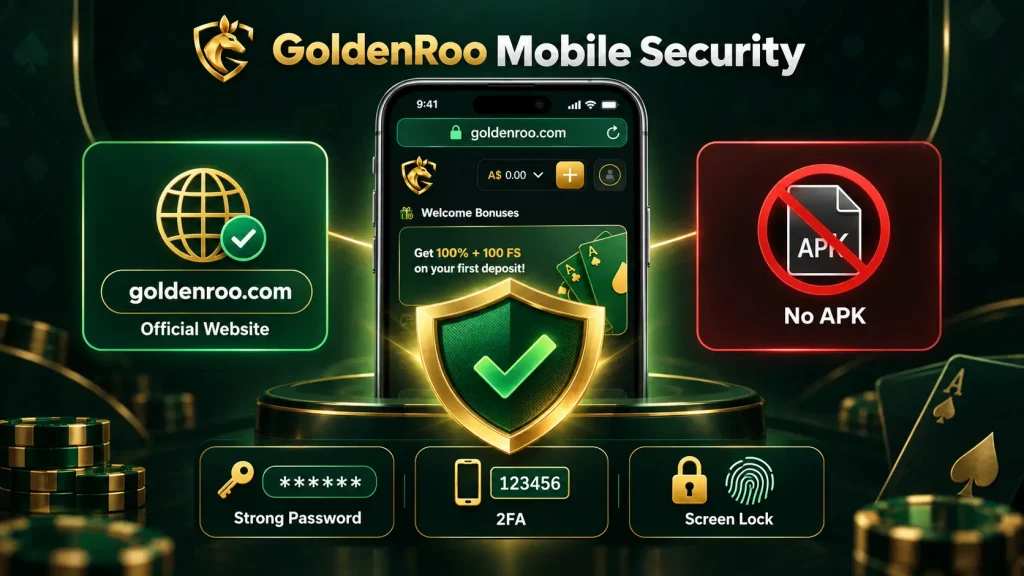
Since there is no standalone Goldenroo mobile app at the moment, it is crucial to make sure that you are using the right Goldenroo version. Check whether the website you are visiting has the right domain, which is goldenroo.com, and nothing else.
Official GoldenRoo Mobile Website
Golden Roo has only one legit website, but many copies that do not belong to Goldenroo, although they claim they are the real deal. For that reason, it is very important to thoroughly check if you are using the right domain, and only adding the shortcut from the right domain.
Fake GoldenRoo Apps and APK Files
Just like with a website, you have to be very cautious with a Goldenroo app. The reason for that is the fact that there is actually no Golden Roo app at all, and it is being in development. Because of that, you should never trust sites that claim they have the actual app or the APK file of Golden Roo, as it is simply not true.
Account Security on Mobile
In order to make sure that using Goldenroo on mobile is secure, make sure that you create a strong password with lowercase and uppercase letters, and preferably, enable 2FA to protect your account even more. Also, set a device screen lock, and never log in to your account on third-party devices that you will most likely never use again. You should never share your password, 2FA code, or recovery code to anyone.
GoldenRoo Mobile Website Problems
When trying to use the mobile Goldenroo website, there may be issues with a browser, connection, website data or a certain feature of Goldenroo that you might need. Below, you can see the most common ones.
GoldenRoo Not Loading on Mobile
If Goldenroo is not loading on mobile, there are a few reasons as to why that can happen. Most commonly, it happens because of a bad internet connection, a temporary website problem, a browser issue, or issues with cookies or cache. Try to refresh the page, clear the cache, and check the internet connection.
Home Screen Icon Not Working
If the home screen icon is not working, it may be due to an outdated shortcut, an incorrect saved URL, or a domain change. Delete the previous shortcut and create a new one, and it will most likely solve the issue.
Mobile Functions Not Working
In rare cases, the mobile functions may not work. For example, a game might not load, a deposit not being processed or you can’t log in to your account. For these problems, here are the examples and their solutions:
| Problem | What to Check |
| Website not loading | Connection / browser |
| Home Scren icon not opening | Shortcut / official URL |
| Login/session issue | Browser session / account status |
| Game not loading | Browser / connection |
| Payment section problem | Browser / error message |
| KYC upload problem | File / browser / error message |